3D models
A 3D resistivity model is hard to see all at once. The viewers in this section cut it into slices: horizontal maps at chosen depths, and vertical sections along and across the survey. You can step through the slices with sliders, add coastlines or other map layers, and save figures.
Note
The viewers open interactive windows, so they need GLMakie and a working OpenGL display.
Every viewer is a function of the package, so it works from any Julia session after using MTGeophysics. The scripts in examples/ do the same from the command line.
Example data
The figures below use the Cascadia model from the ModEM examples. It is not included in the package, so let's download it first:
git clone https://github.com/magnetotellurics/ModEM-Examples.git
cp -r ModEM-Examples/Magnetotelluric/3D_MT/Cascadia examples/cascadia
We need two files: the inverted model and the data file. The data file gives the station positions and places the model on the map.
using MTGeophysics

model_file = "examples/cascadia/cascad_half_inverse.ws"
data_file  = "examples/cascadia/cascad_errfl5.dat"
All three directions at once
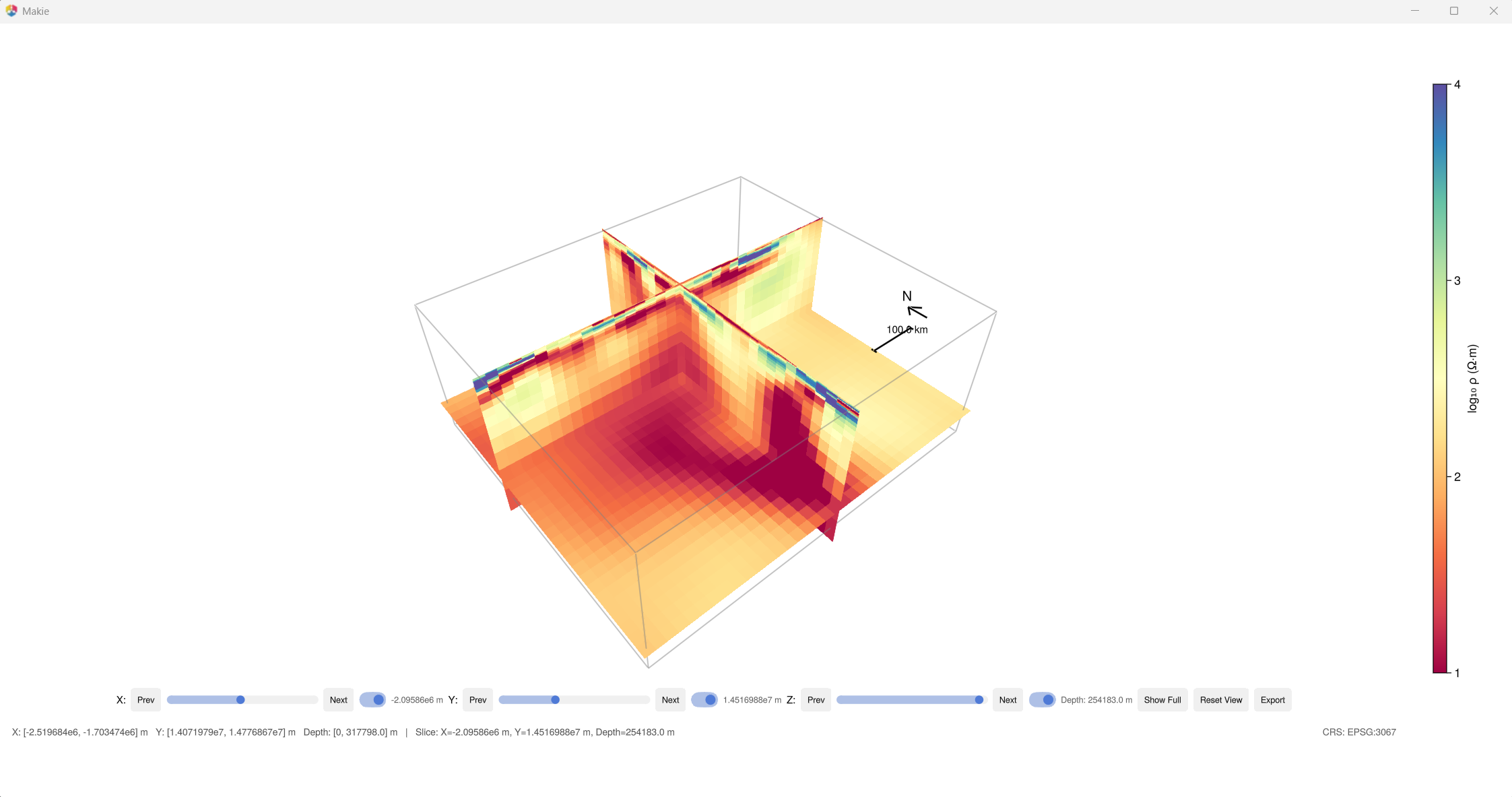
PlotModelXYZ(model_file, data_file)This viewer shows a depth slice together with a north–south and an east–west section, with sliders for each.
Depth slices
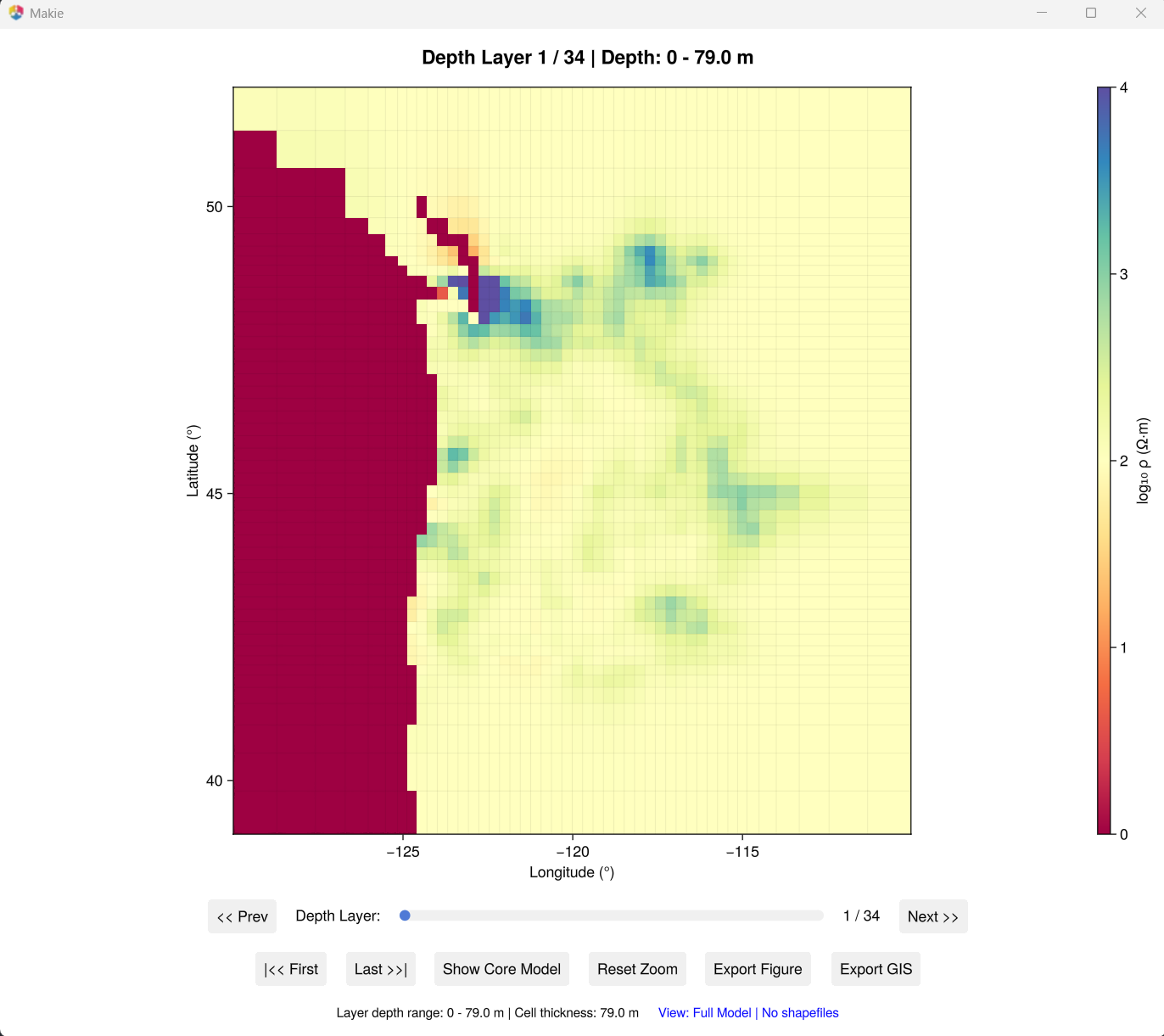
PlotModelXY(model_file, data_file; crs = "EPSG:32610")Map views at selectable depths. crs sets the map coordinates, here UTM zone 10N.
Vertical sections
PlotModelXZ(model_file, data_file)   # north–south sections
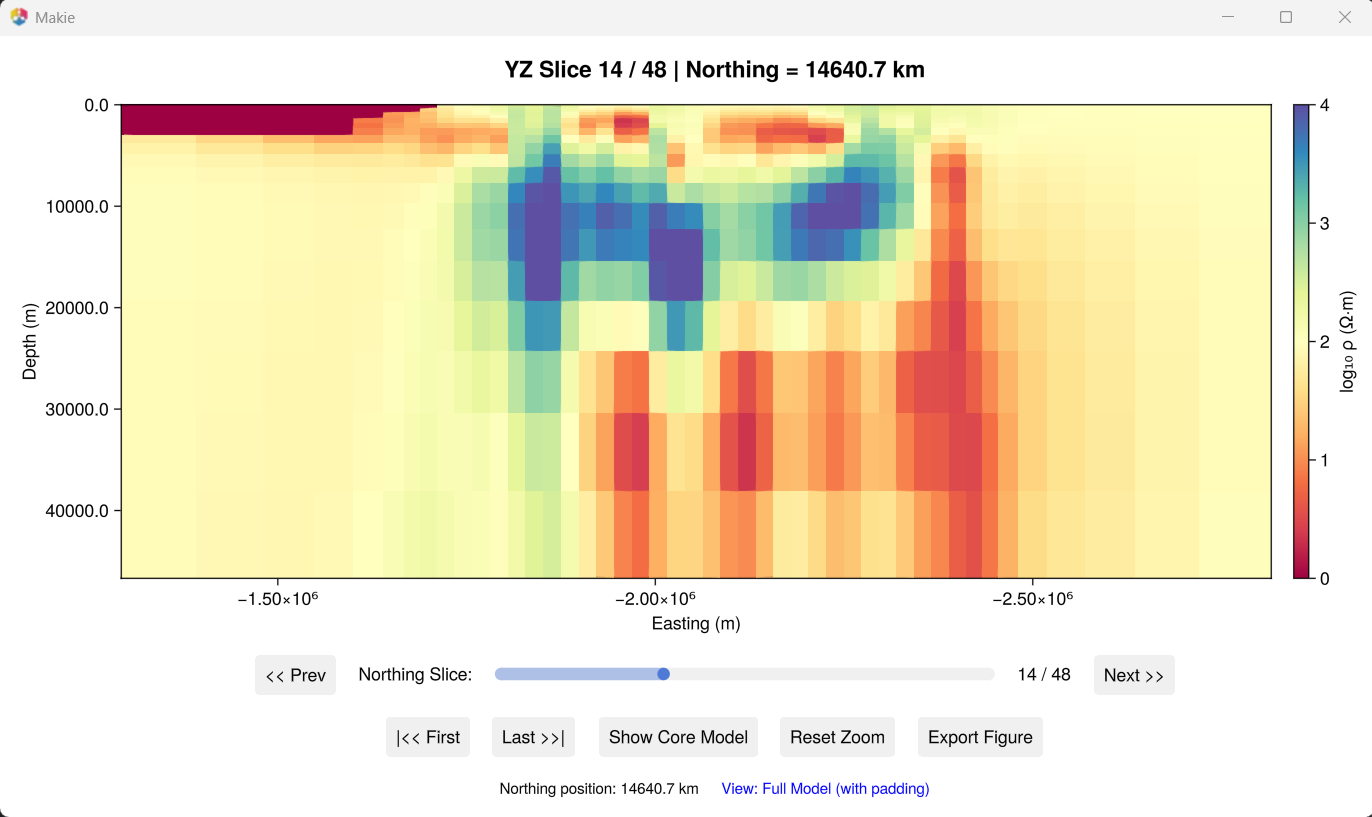
PlotModelYZ(model_file, data_file)   # east–west sections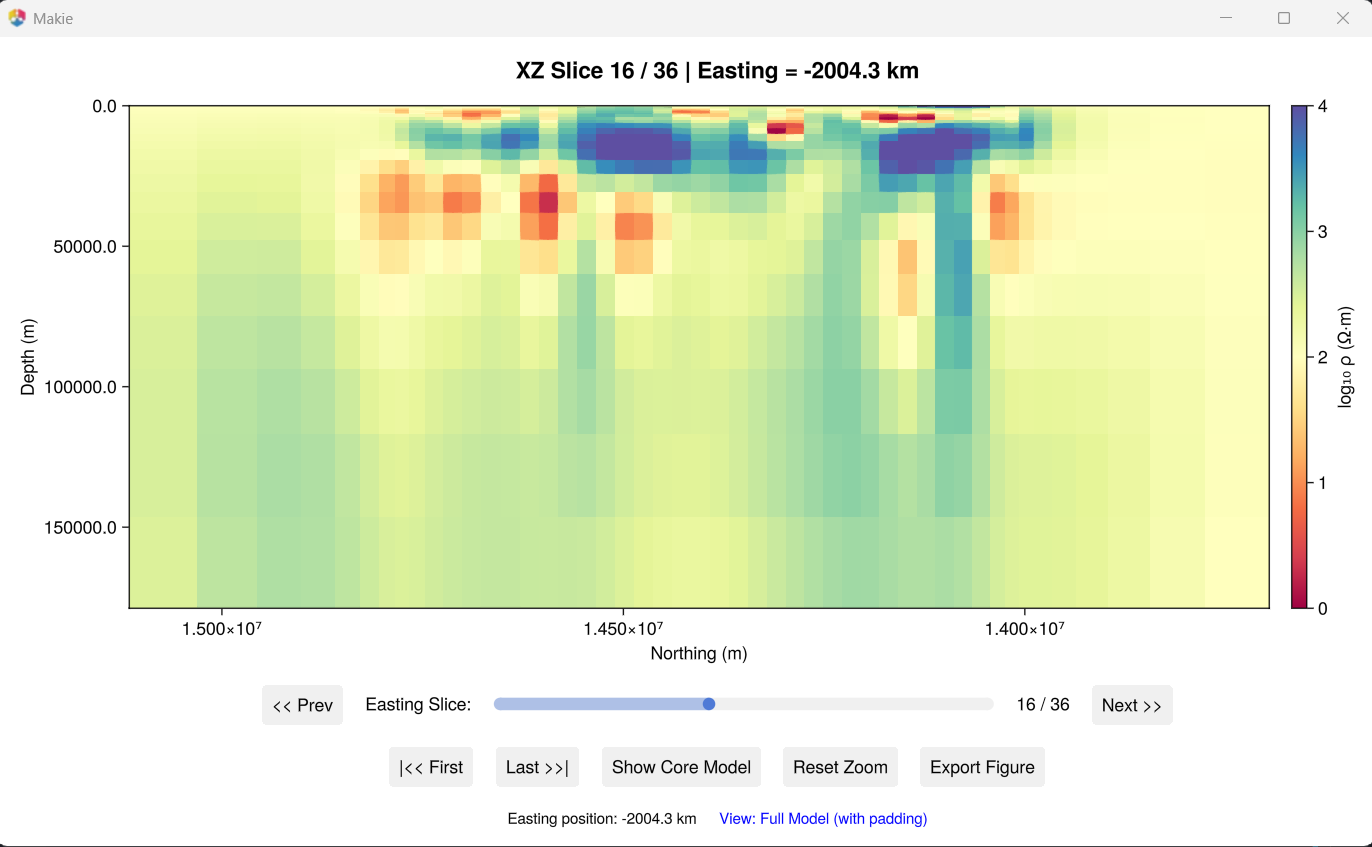
Add map layers
Coastlines, borders or faults help to read a depth slice. PlotModelXY takes any number of shapefiles, and reprojects each one from its own coordinate system (read from the .prj file):
shapefiles = [
    (path = "gis/coastline.shp",        enabled = true, color = :black, alpha = 0.95, point_size = 7, line_width = 1.2),
    (path = "gis/state_boundaries.shp", enabled = true, color = :black, alpha = 0.85, point_size = 7, line_width = 1.0),
]

PlotModelXY(model_file, data_file; crs = "EPSG:32610", shapefiles = shapefiles)
Shapefiles are not included in the package; Natural Earth is a good free source. PlotModelXYZ takes a single layer with shapefile_path = "gis/coastline.shp".
Coordinate systems
crs | Coordinates |
|---|---|
"model" | local model coordinates, in metres |
"EPSG:4326" | WGS84 latitude and longitude |
"EPSG:XXXX" | any projected system, for example EPSG:3067 (Finland) or EPSG:32610 (UTM 10N) |
Export to GIS
Set gis_output_dir in PlotModelXY to save the depth slices as georeferenced rasters, which you can open in QGIS or ArcGIS together with other maps.
From the command line
julia --project=. examples/plot_model_XYZ.jl <model.ws> <data.dat>
julia --project=. examples/plot_model_XY_slices.jl <model.ws> <data.dat> EPSG:32610
julia --project=. examples/plot_model_XY_with_shapefiles.jl <model.ws> <data.dat> EPSG:32610
julia --project=. examples/plot_model_XZ_slices.jl <model.ws> <data.dat>
julia --project=. examples/plot_model_YZ_slices.jl <model.ws> <data.dat>