TKApp
Look at a recording, mask the bad parts, write clean data in the original format.
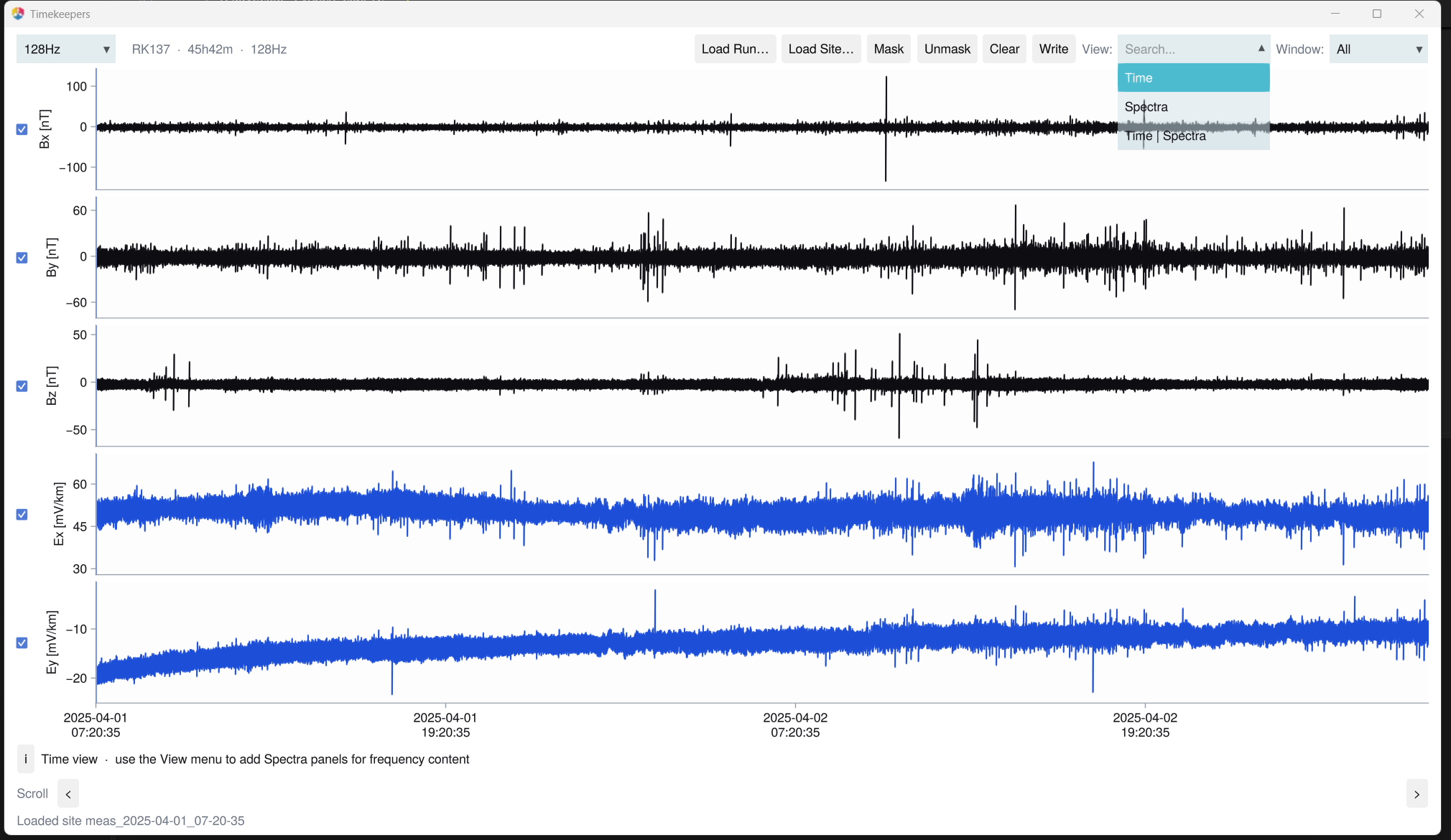
julia
using Timekeepers

run_tkapp()                         # empty; load from the toolbar
run_tkapp("data/LEMI090.txt")       # one file (LEMI-424 or GEOMAG-02)
run_tkapp("data/RK137") # a Metronix site directory| To | Do |
|---|---|
| Select an interval | left-drag on a trace |
| Mask it | right-click, or Mask |
| Undo a mask | select it, then Unmask |
| Change the visible span | Window, then Scroll below the plots |
| Show spectra | View: Time | Spectra or Spectra |
| Hide a channel | its checkbox |
| Save | Write |
What Write saves
LEMI-424 / GEOMAG-02:
<name>_clean.<ext>(masked rows areNaN) and<name>_mask.csv, next to the source.Metronix: your site is never changed. Masked intervals are cut out of a copy,
<site>.<rate>, next to it.
Next: process the site in TKProc.